
How to Choose a Phone Cable: USB-C, Lightning, 60W and 100W Guide
A phone cable looks like a simple purchase, but it affects more than just charging speed. The wrong cable can charge slowly, wear out faster, sit loosely in the port or hold back the charger, even when the charger itself is powerful enough. So when choosing one, it is worth looking not only at the price but also at the connector, the supported power, the length, the material and where you will use the cable most.
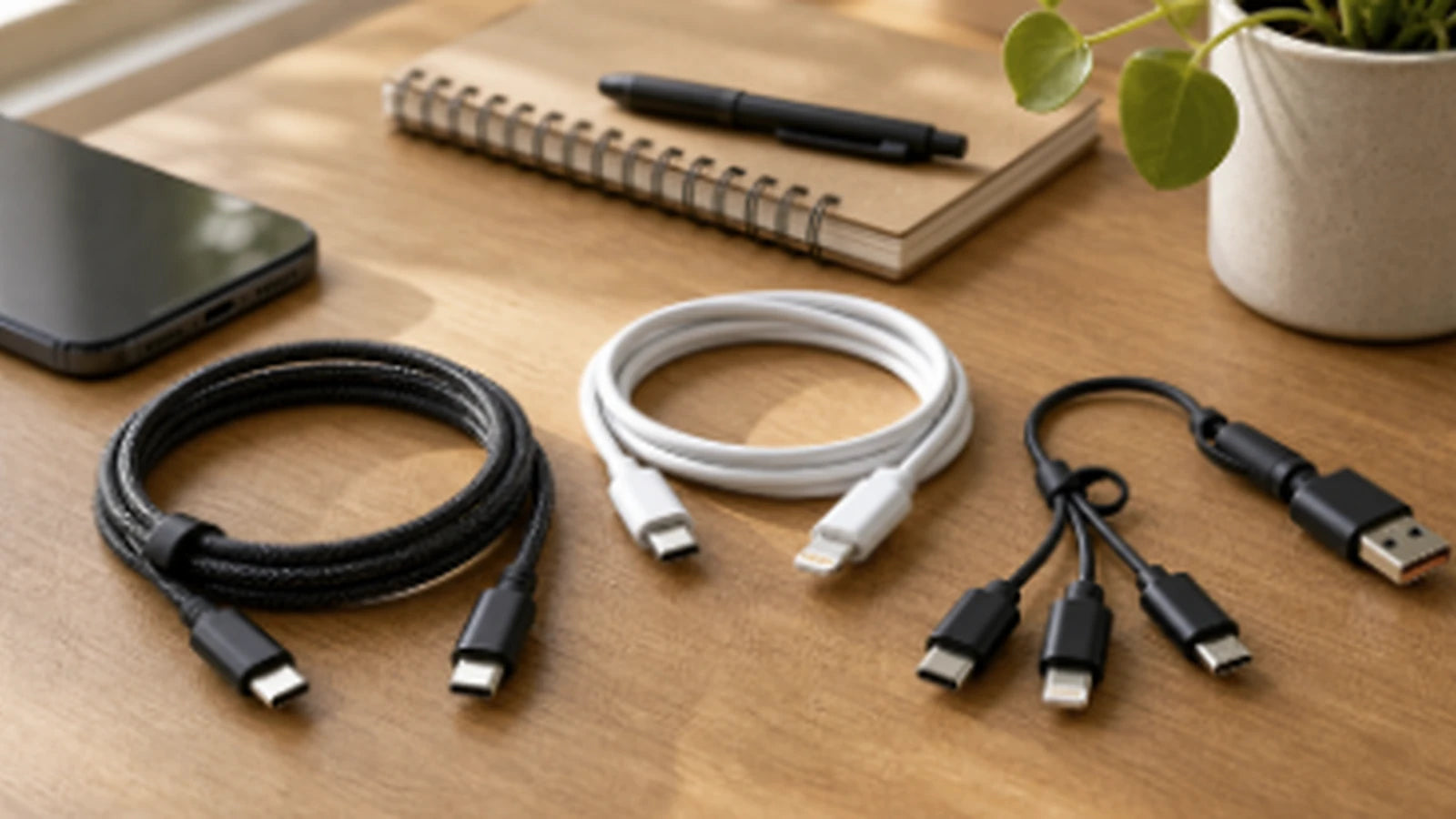
Short answer: which cable should you choose?
If you want a quick, safe decision without a lot of technical detail, follow this logic:
- For a new Android phone or a newer iPhone with USB-C, usually choose a USB-C to USB-C cable that supports at least 60W.
- For an iPhone with a Lightning port, choose a USB-C to Lightning cable. 20W is enough for everyday use, and a 30W cable gives you handy headroom.
- For a phone, tablet and laptop on one cable, choose a USB-C to USB-C 100W / 5A cable.
- By the bed or sofa, a 2 m cable is the most convenient, while for travel or the car a shorter cable that packs away neatly is often better.
What do 20W, 60W or 100W mean on a cable?
W stands for watts, i.e. the maximum power the cable can carry. One thing is important to understand: a more powerful cable does not “overcharge” your phone on its own. The phone, charger and cable agree on how much power will be used. If your phone supports 25W and you have a 100W cable, the phone will still only take the power that suits it.
In practice, this means a 60W or 100W cable is not “too strong” for a phone. Usually it simply has more headroom. Problems start when the cable is of poor quality, has inadequate contacts, delivers current unstably or does not live up to its stated power rating.
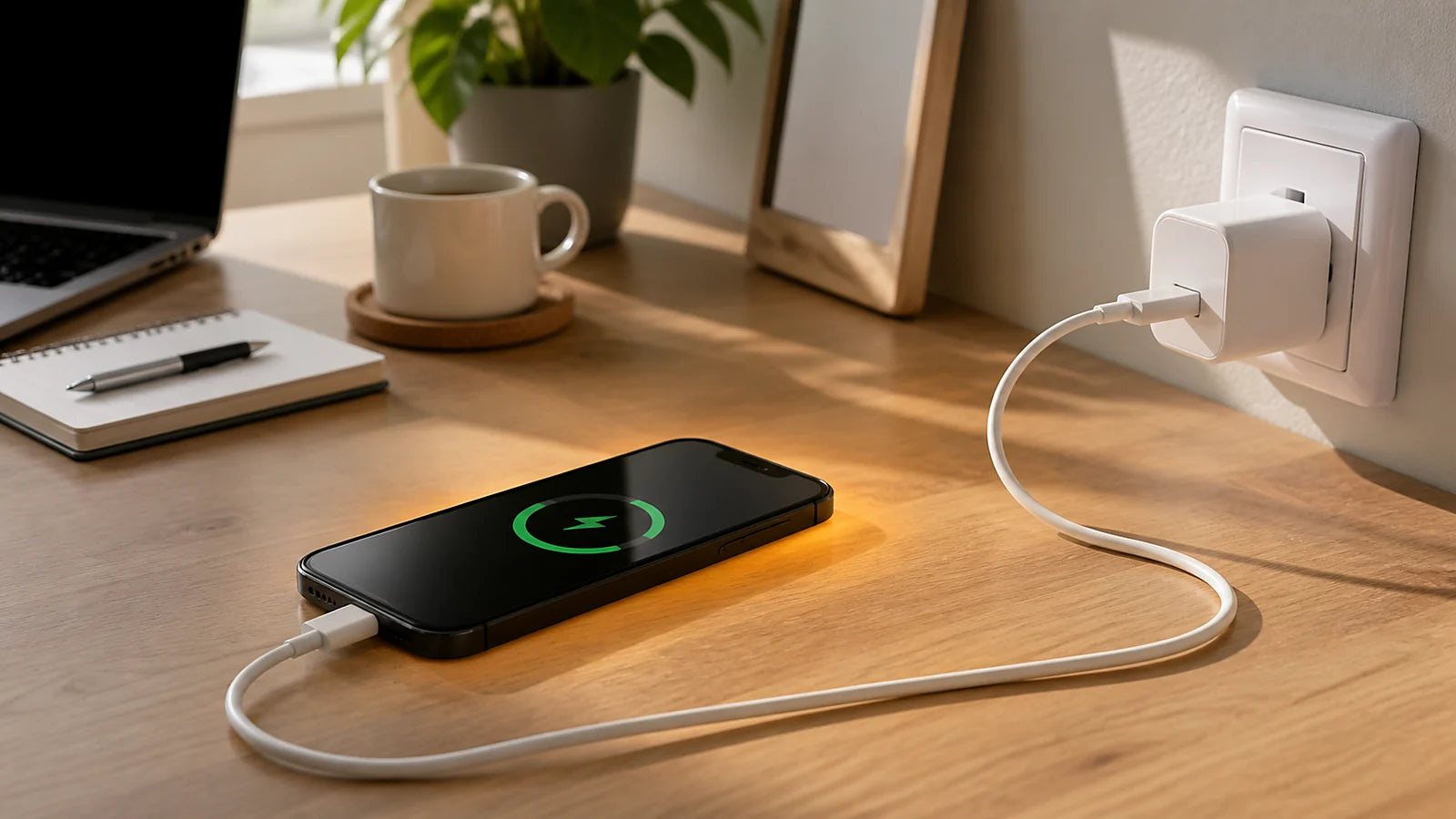
Can a cable that is too powerful damage your phone?
A cable's power headroom does not damage the phone by itself. A 100W cable is a perfectly normal choice for a phone, as long as the cable is good quality, the connectors are in good condition and the charger supports safe standards such as USB Power Delivery. The phone will not draw more power than its charging control allows.
The risk comes not from a high wattage but from a bad cable or the wrong combination of equipment. A poor cable can heat up, break near the connector, charge unreliably, interrupt data transfers or make the phone keep switching between charging modes. Over time this is a nuisance and, because of the extra heat, can put more strain on the port and the battery.
USB-C, Lightning or USB-A: how do the connectors differ?
USB-C is the most universal choice today. It is used in most new Android phones, tablets, earbud cases, some laptops and newer iPhone models. If your charger has a USB-C port, fast charging will usually need a USB-C to USB-C or USB-C to Lightning cable.
Lightning is still needed for many older iPhone models. In that case it is worth choosing a USB-C to Lightning cable, as it is better suited to fast charging with modern USB-C chargers.
USB-A is an older, larger port that you will still find in cars, old computers and older chargers. It is fine for backup charging, but it often won't reach the same speeds as USB-C.
3A, 5A and 100W: when do you need a stronger cable?
Some USB-C cables support 3A of current, others 5A. A 60W cable is usually enough for phones, earbuds, tablets and most everyday situations. A 100W / 5A cable is the better choice when you also want to charge a laptop or a more powerful tablet with the same cable, or want one universal cable that will last you longer.
If you are buying for a phone only, there is no need to overpay just for the biggest number. But if the price difference is small, a quality 60W or 100W USB-C cable is a good choice, as it will stay practical for longer as you change devices.
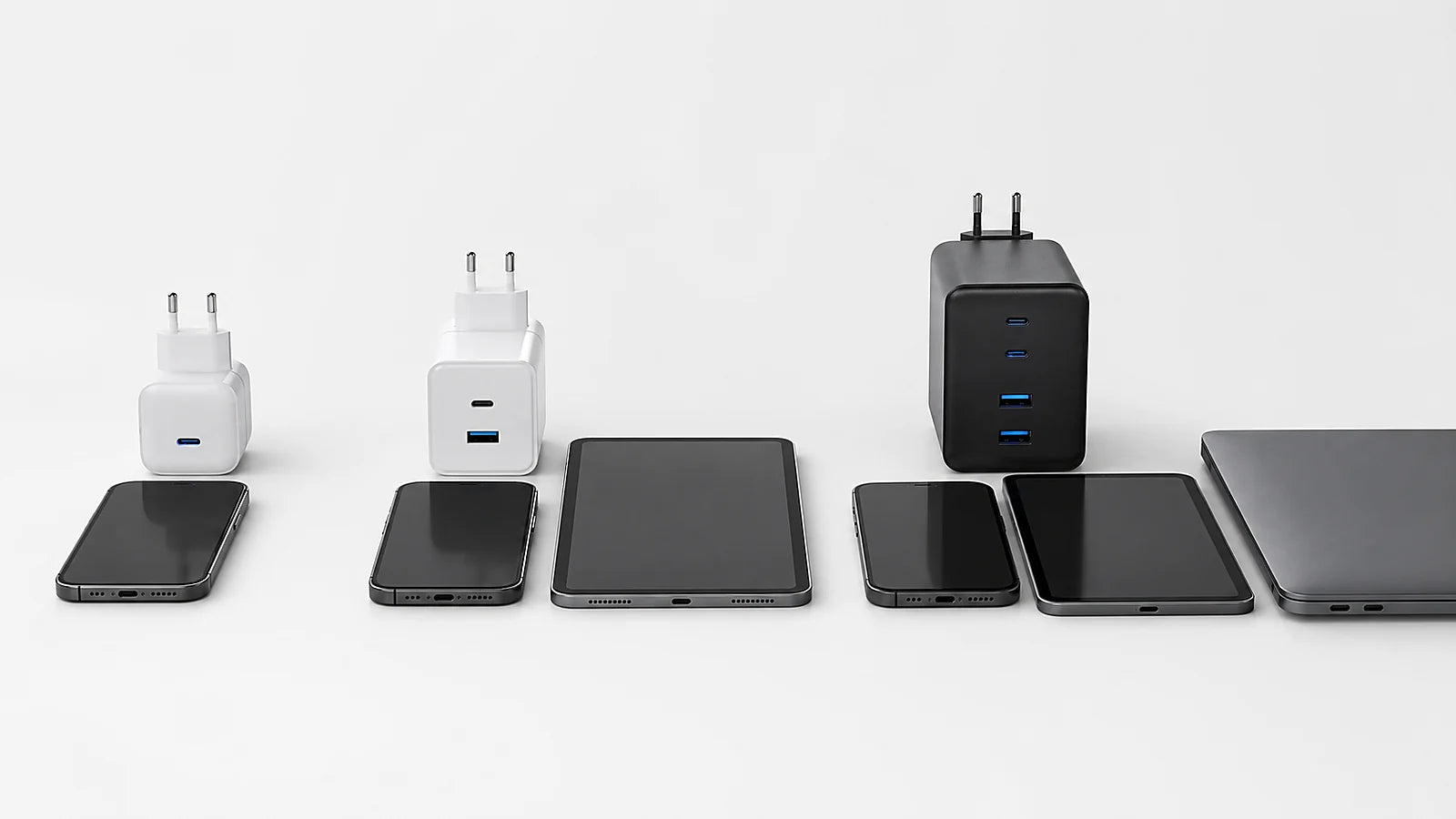
What cable length should you choose?
1 m is a versatile length for a desk, the car or use with a power bank. 1.2 m is often handier for everyday use, as it gives you a little more freedom. 2 m is worth choosing by the bed, the sofa or wherever the socket is further away. 3 m is convenient in specific spots, but quality matters with a very long cable, as cheaper cables can lose stability or mechanical strength faster.
Material and durability: why is a braided cable often better?
Braided or reinforced cables often stand up better to bending, travel and everyday pulling. The weakest point is usually near the connector, so check whether the cable has a reinforced transition between the connector and the cable. If you often carry the cable in a backpack or keep it in the car, a sturdier cable pays for itself faster than the cheapest option.
Does data transfer speed matter?
If the cable will only be used for charging, data speed is usually not the most important factor. But if you often transfer photos or videos or connect your phone to a computer, it is worth looking not only at the wattage but also at the data transfer standard. Some cables charge perfectly well but only transfer data at basic USB 2.0 speed.
The most common mistakes when choosing a phone cable
- Buying a USB-A cable just because it is cheaper, even though your charger is USB-C and supports fast charging.
- Choosing a cable that is too short for a spot where the socket is further from the bed or desk.
- Choosing by wattage alone, without looking at the connector, the cable quality and what the device actually supports.
- Using a very old or damaged cable when the phone starts charging more slowly or the connector sits loosely.
- Charging an iPhone with a Lightning port using any cable of unknown quality, when a more reliable USB-C to Lightning option is the better choice.
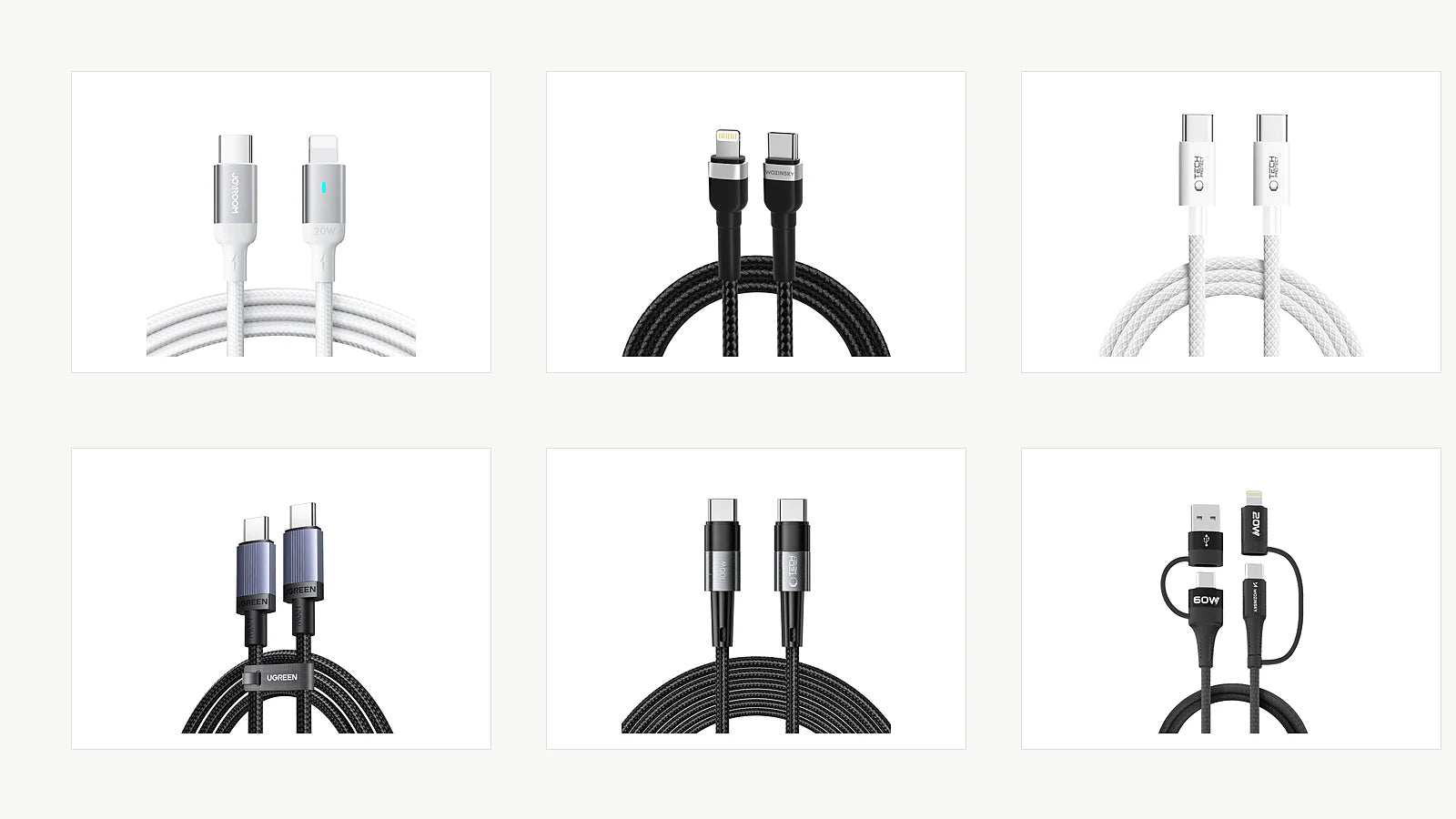
Recommended KAMA cables
iPhone with a Lightning port: for everyday use
Joyroom Extraordinary Series A10 Lightning / USB-C PD 20W 1.2 m suits iPhone users who want a simple everyday fast-charging solution in a convenient length.
iPhone with a Lightning port: a longer cable
Wozinsky WNBCL2 Lightning / USB-C PD 30W 2 m is a good choice by the bed, the sofa or at a workstation where the socket is further away.
Android and USB-C phones: 60W for everyday use
Tech-Protect Ultraboost Lite USB-C PD60W / 3A 2 m suits most USB-C phones and tablets and everyday fast charging.
One universal USB-C cable: 100W
Ugreen USB-C to USB-C PD 100W / 5A 1 m is the one to choose when you want a single sturdy cable for your phone, tablet and some laptops.
A long 100W cable
Tech-Protect UltraBoost USB-C / USB-C PD 100W / 5A 3 m is useful when you need a long cable but don't want to lose power headroom.
For travel and multiple devices
Wozinsky WNBAA 4in1 60W is handy when you want one cable for several connectors, covering USB-C, USB-A and Lightning.
Final recommendation
If in doubt, start with your phone's connector and your charger's port. For new USB-C devices, the safest all-round choice is a quality USB-C to USB-C 60W cable. If you want one cable for both your phone and your computer, choose 100W / 5A. For an iPhone with a Lightning port, a USB-C to Lightning cable is the best fit, and for everyday convenience the right length and a sturdy build often matter more than simply the highest wattage.
Straipsnyje minimos prekės
-
Pristatymas 5-9 d.d.Regular price €5,99
-
Pristatymas 5-9 d.d.Regular price €6,99
USB-C ↔ USB-C · 3 m
-
Pristatymas 5-9 d.d.Regular price €5,99
Kelių antgalių laidas · 1 m


